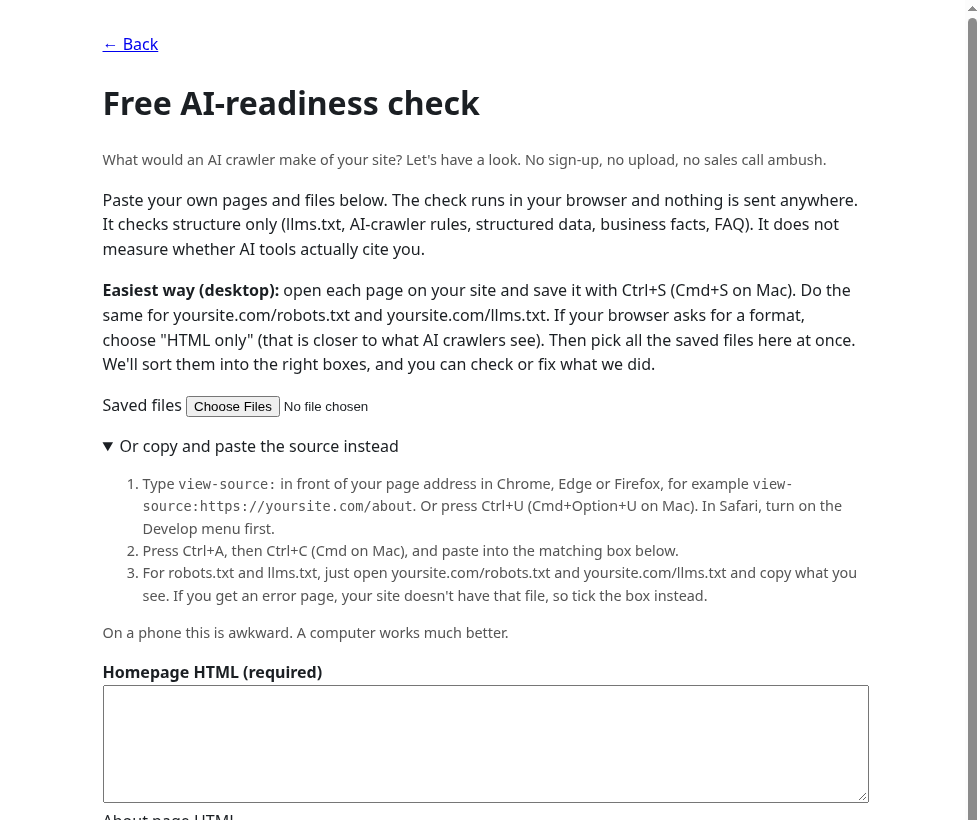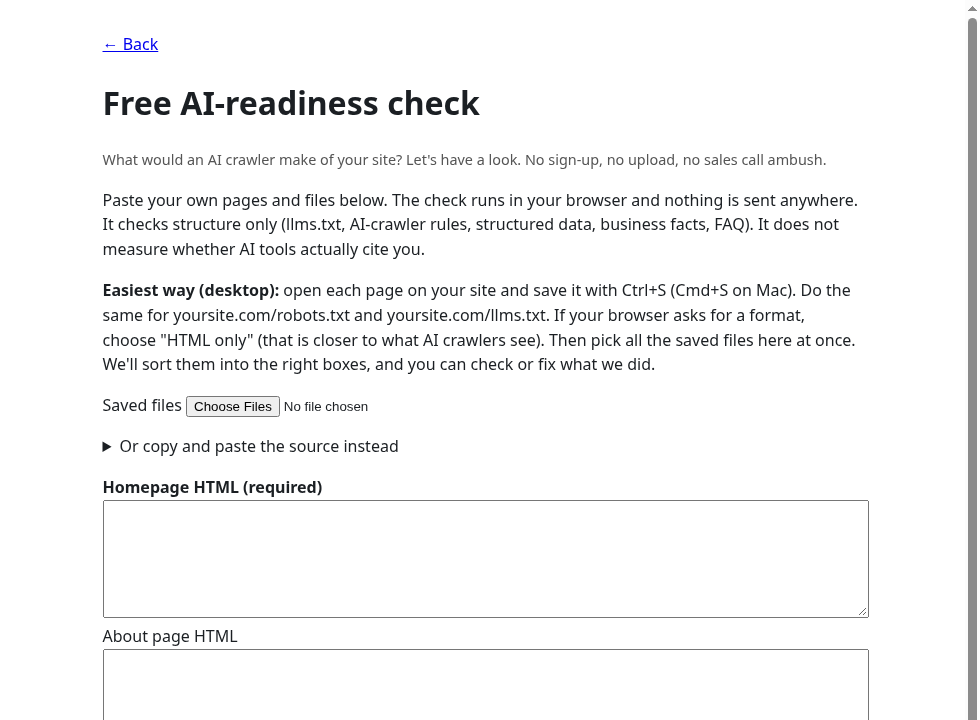
What would an AI crawler make of your site? Let's have a look. No sign-up, no upload, no sales call ambush.
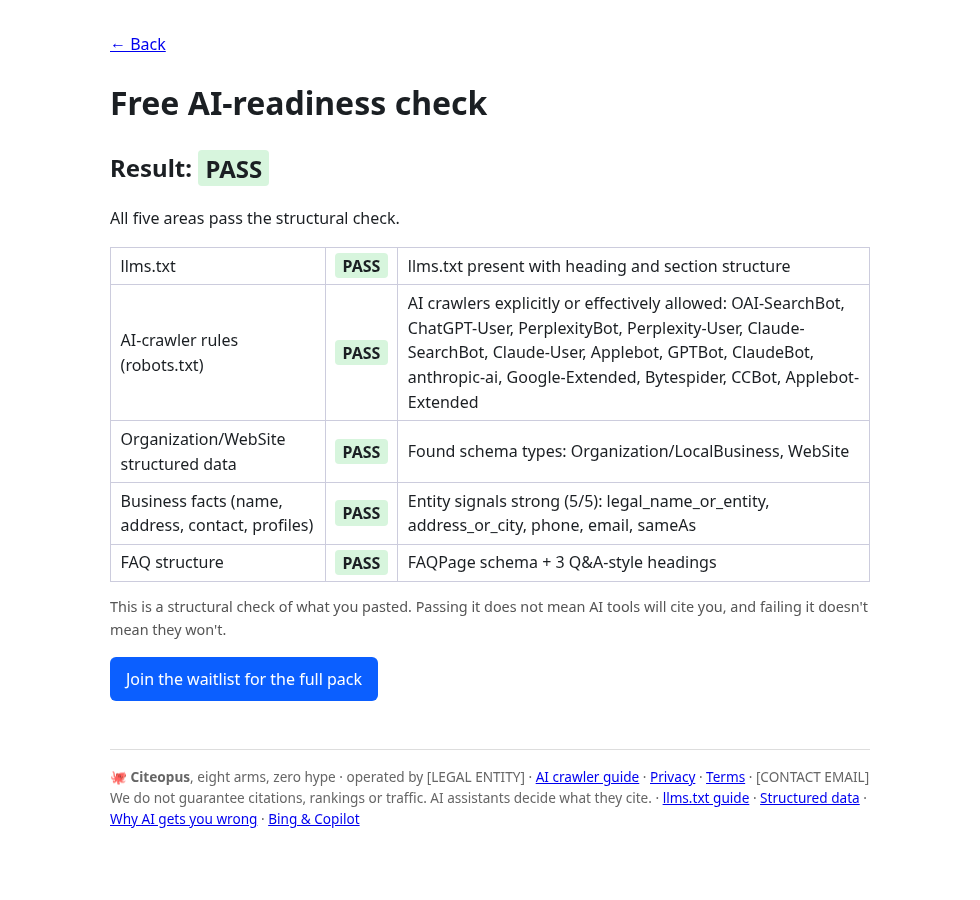
Paste your own pages and files below. The check runs in your browser and nothing is sent anywhere. It checks structure only (llms.txt, AI-crawler rules, structured data, business facts, FAQ). It does not measure whether AI tools actually cite you.
Easiest way (desktop): open each page on your site and save it with Ctrl+S (Cmd+S on Mac). Do the same for yoursite.com/robots.txt and yoursite.com/llms.txt. If your browser asks for a format, choose "HTML only" (that is closer to what AI crawlers see). Then pick all the saved files here at once. We'll sort them into the right boxes, and you can check or fix what we did.
view-source: in front of your page address in Chrome, Edge or Firefox, for example view-source:https://yoursite.com/about. Or press Ctrl+U (Cmd+Option+U on Mac). In Safari, turn on the Develop menu first.On a phone this is awkward. A computer works much better.